Online Color Picker
Choose a color visually or from your screen, adjust hue and alpha, and copy HEX, RGB, HSL, OKLCH, CSS variables, harmonies and contrast results.
Visual color workspace
Pick, inspect, and reuse one color
Nearest CSS named color: blueviolet · #8A2BE2
Ready to choose a color.
Tints, shades, and tones
tints
shades
tones
Harmonies and contrast
complementary
analogous
triadic
split
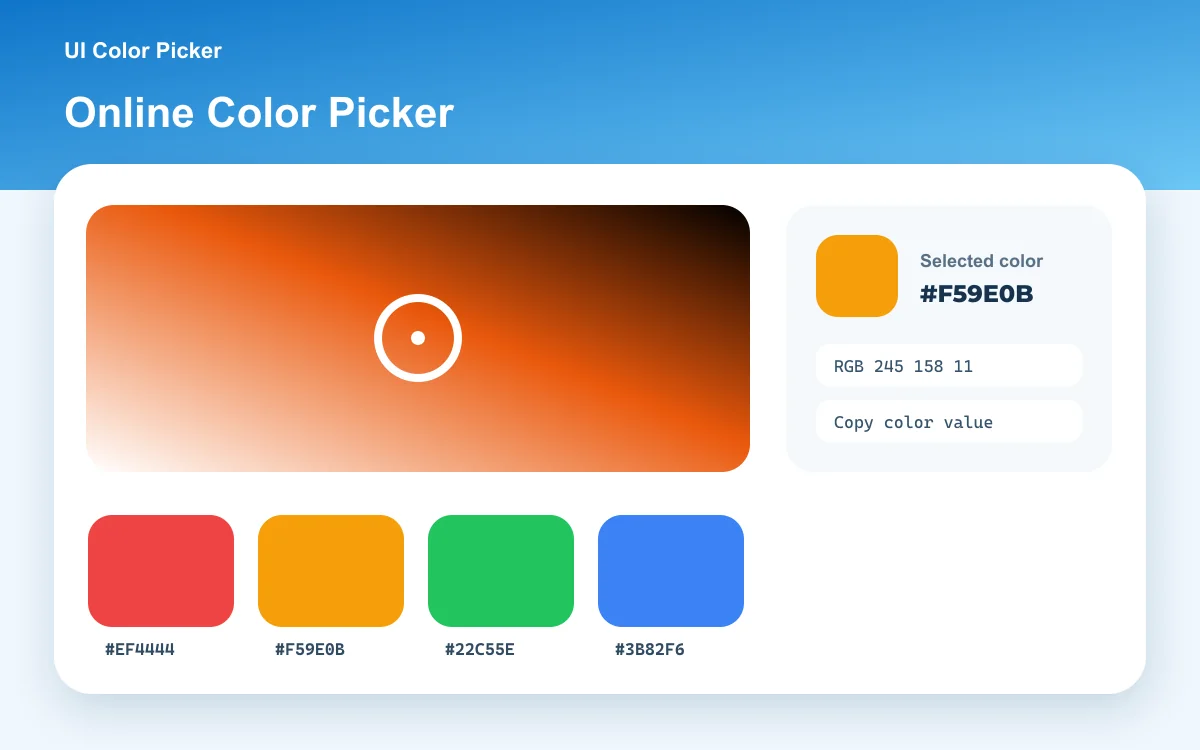
Quick answer
An online color picker lets you choose a color visually and copy its exact color code. This tool keeps HEX, RGB, HSL, HSV, HWB, CMYK, LAB, and OKLCH synchronized, supports alpha, and runs entirely in your browser.
Quick guide
How to use the online color picker
Start visually, enter an exact value, or sample the screen. Every output describes the same selected sRGB color in a format suited to CSS, design systems, documentation, or accessibility checks.
- 1
Choose a color
Drag inside the saturation and brightness field, adjust hue and alpha, enter HEX, or use the screen eyedropper in a supported browser.
- 2
Inspect every format
Compare legacy and modern CSS values, the nearest CSS color name, contrast against black and white, and generated color relationships.
- 3
Copy or share
Copy one value, a CSS variable, a scale swatch, a harmony color, or a shareable URL that restores the selection.
Practical uses
Design tokens
Create a base token, a perceptual OKLCH value, and reusable tint or shade steps for a product interface.
CSS implementation
Copy modern space-separated RGB, HSL, or OKLCH syntax with an optional alpha channel.
Accessible color choices
Compare the selected color against black and white before opening the full contrast checker for a final foreground/background pair.
Method and accuracy
How this tool works
The visual field uses the HSV model for intuitive hue, saturation, and brightness control. The selected sRGB channels are converted with standard color-space equations. LAB uses a D65 reference white, OKLCH is derived through OKLab, and WCAG contrast uses linearized relative luminance. CMYK is an approximate screen-to-process conversion, not a printer profile.
Frequently asked questions
What is the difference between HEX and RGB?
Both describe the same sRGB channels. HEX writes each channel in hexadecimal, while RGB writes decimal channel values. CSS supports both.
Why use OKLCH?
OKLCH separates perceptual lightness, chroma, and hue, which often makes systematic color adjustments easier than HSL. Not every possible OKLCH value fits inside sRGB.
Does the screen eyedropper upload anything?
No. The browser provides the selected sRGB value locally. The tool does not receive a screenshot or upload screen content.