Color Picker From Image
Upload, paste or drop an image, then click any pixel to get its exact color. Copy HEX, RGB, HSL, CMYK or HSV privately in your browser.
Browse one-click UI colors
Upload Image
Extract colors from any photo. Drag & drop, paste image (Ctrl+V) or click to browse.
Royal Blue
#1478C9
Simple workflow
How to Pick a Color From an Image
Upload, inspect, copy, and reuse the exact colors you need in four quick steps.
Upload Image
Drag and drop any image file (JPG, PNG, WEBP) directly into the image color picker.
Pick Color
Use our pixel-perfect magnifier to hover over and pick the exact color code you need.
Analyze Data
Get instant HEX, RGB, and HSL data, and preview how the picked color looks on different backgrounds.
Export Palette
Copy color values or download full extracted palettes to use in your design software.
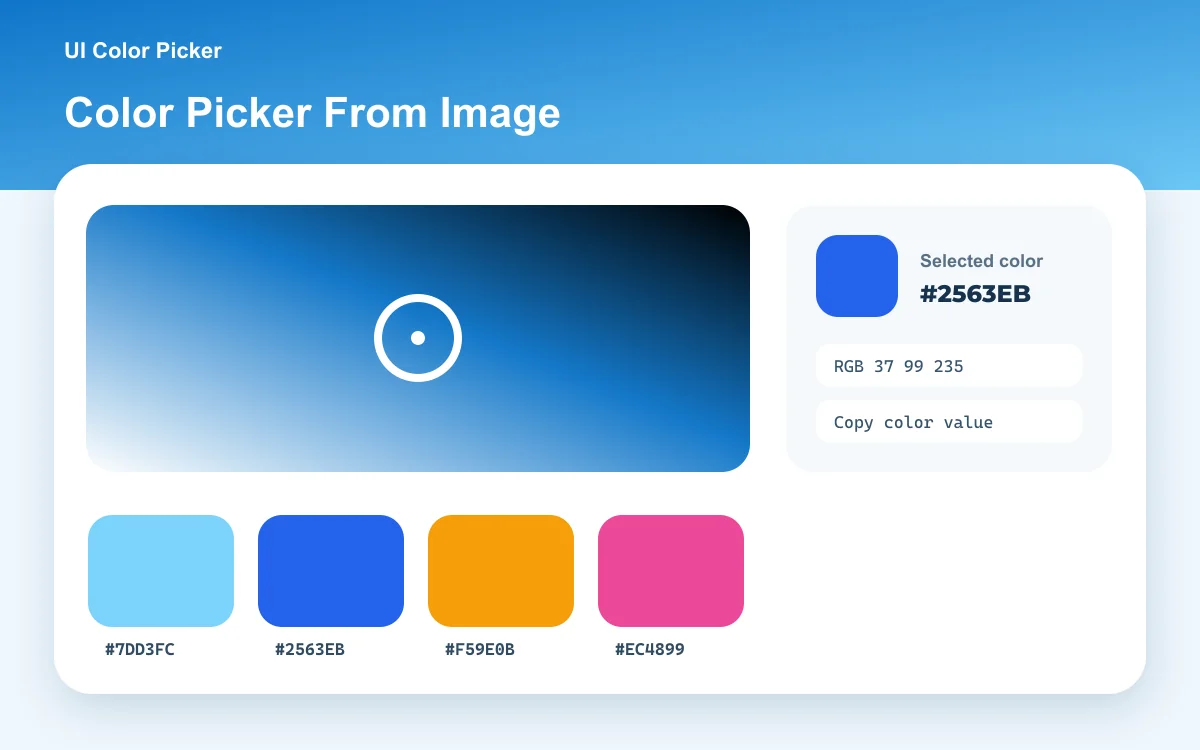
The original idea, preserved
Quick UI color library
UI Color Picker was first known as a simple collection of interface colors with one-click HEX copying. That fast workflow still lives here: choose a swatch below, or open the complete searchable color-code reference for conversions, contrast, tints, and shades.
Method and accuracy
How the image color picker reads a pixel
Your browser decodes the selected JPG, PNG, or WebP into an HTML canvas. The pointer position is scaled from the displayed image to the canvas’s source-pixel coordinates, and the exact red, green, and blue channel values at that coordinate are read locally. HEX, HSL, CMYK, and HSV are derived from that same pixel; palette extraction is a separate summary of many pixels and may not include the exact pixel you selected.
Quick answer: upload or paste an image, move the loupe to the pixel you want, then click or press Enter to copy its HEX code. The file is processed in your browser and is not uploaded to an image-processing server.
Helpful answers
Color Picker From Image FAQs
Everything you need to know about picking and extracting colors from your images securely.